


Clear access.
Handovers without missing a file.
From scan to done, Wistorix shows you exactly what's wrong with your Drive and fixes it on the spot.

Features
Review, revoke and hand over access in one place
From public files you forgot to lock down to access held by people who left, Wistorix finds it and fixes it for you.
01Scan
Sharing risk scan
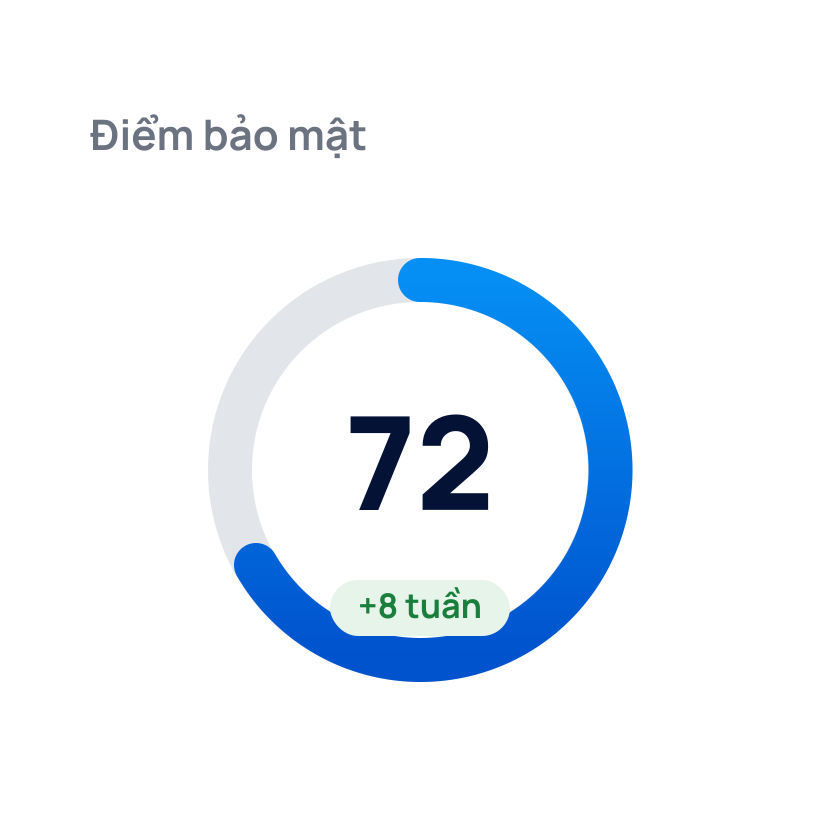
Review your whole Drive for files shared publicly, outside your organization or with the wrong people, plus a security score out of 100.
- Security score with the list of what costs you points
- 5 risk groups sorted automatically after every scan
- Every group has a fix button right on screen
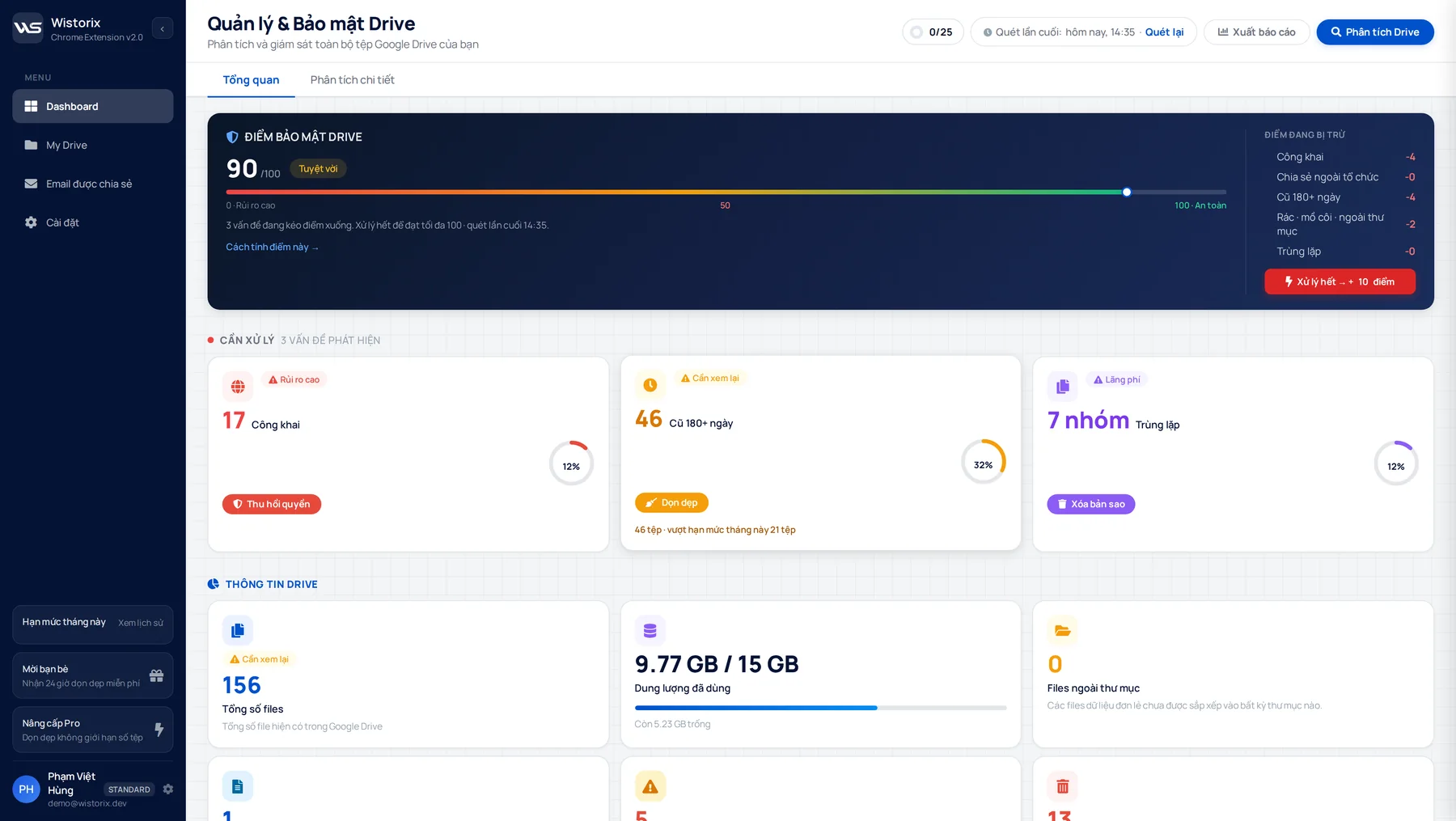
Security score 90/1003 issues are lowering your score
02Review
Free up storage
Find junk files: empty, duplicate and rarely used. Filter by size and time, then manage files in bulk in a few clicks.
- Filter by size: under 10MB, 10 to 100MB, over 100MB
- Filter rarely used files: 90 days, 180 days, 1 year
- Export a report to keep before you act
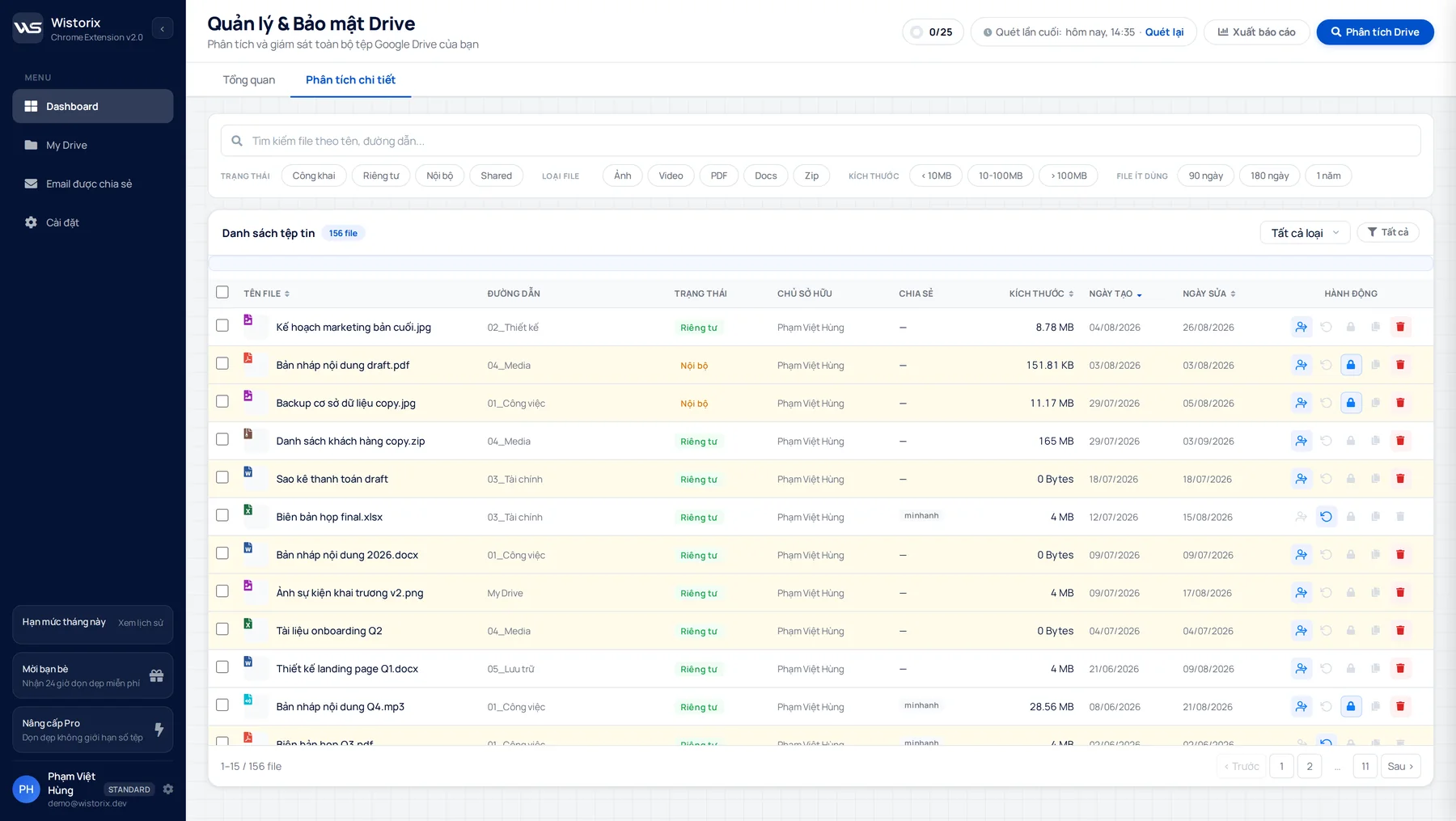
156 files in one tableFilter by status, size, time
03Hand over
Ownership transfer
Transfer or reclaim file ownership when people leave, select many files at once, with a log to check later.
- Select many files and transfer ownership in one action
- Folder structure stays intact after the transfer
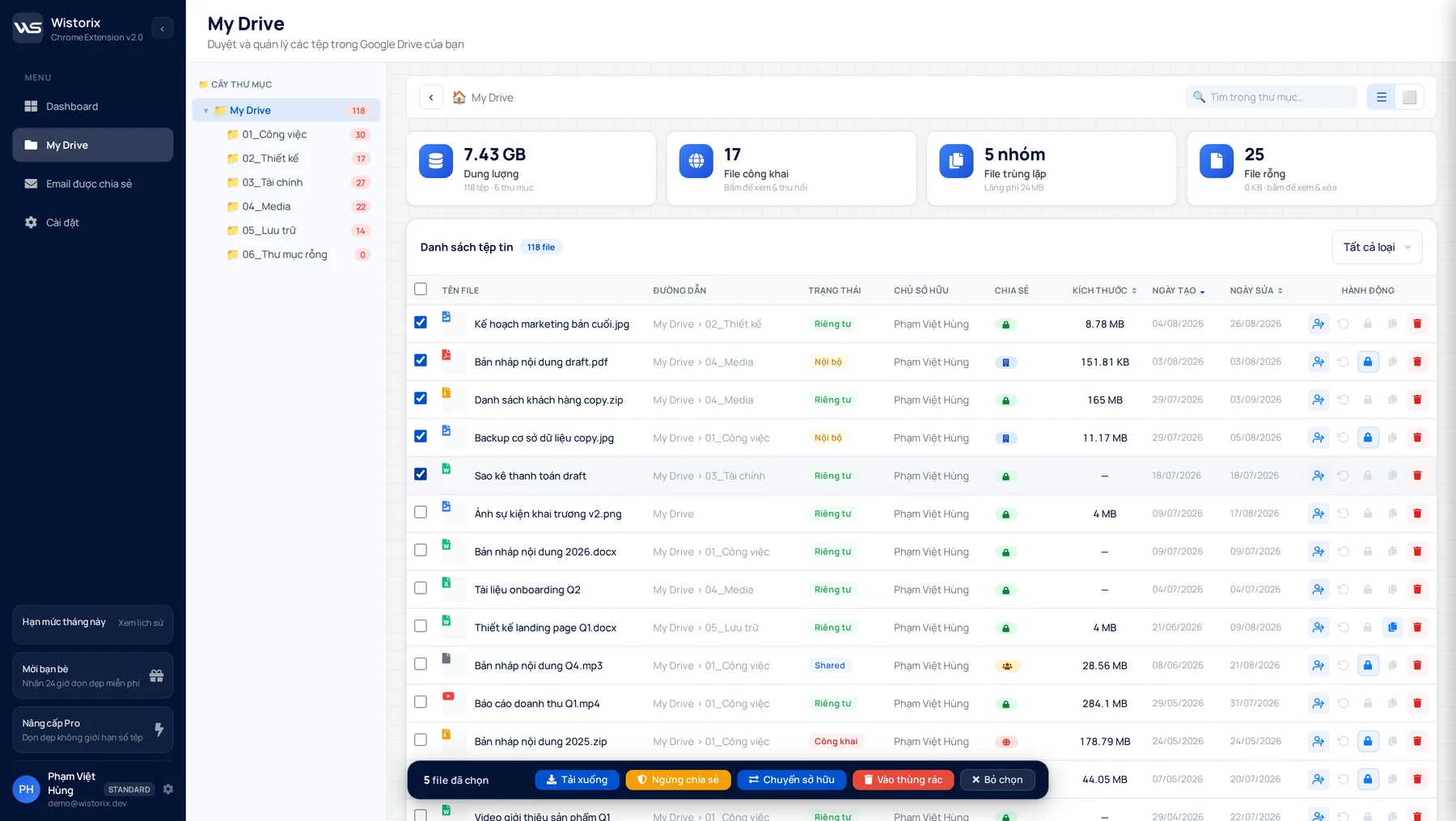
5 files, 1 actionFolder structure stays intact
Why Wistorix
Not just pointing out problems · Wistorix fixes them for you
Many tools list your files and leave the rest to you. Wistorix comes with actions: revoke access, handle files, transfer ownership, right from the file list, one file or many. Every scan gives your Drive a 0-100 security score so you see the big picture at a glance. Wistorix only reads file metadata (name, size, sharing settings), never file contents, and deleting is soft by default so you can always restore.

First scan is free
What is your Drive
sharing publicly?
sharing publicly?
Add Wistorix to Chrome, sign in with Google and scan in minutes. You'll see every public, empty or duplicate file and fix it on the spot.