
Benefits
Why ownership handover matters
Transfer to the right person
Pick files, enter the recipient's email and send the request. For files others shared with you, Wistorix can request ownership to your account.
Reclaim your own files
For files someone else owns, send a transfer request by email or in the app. Every transfer is logged so you can check it later.
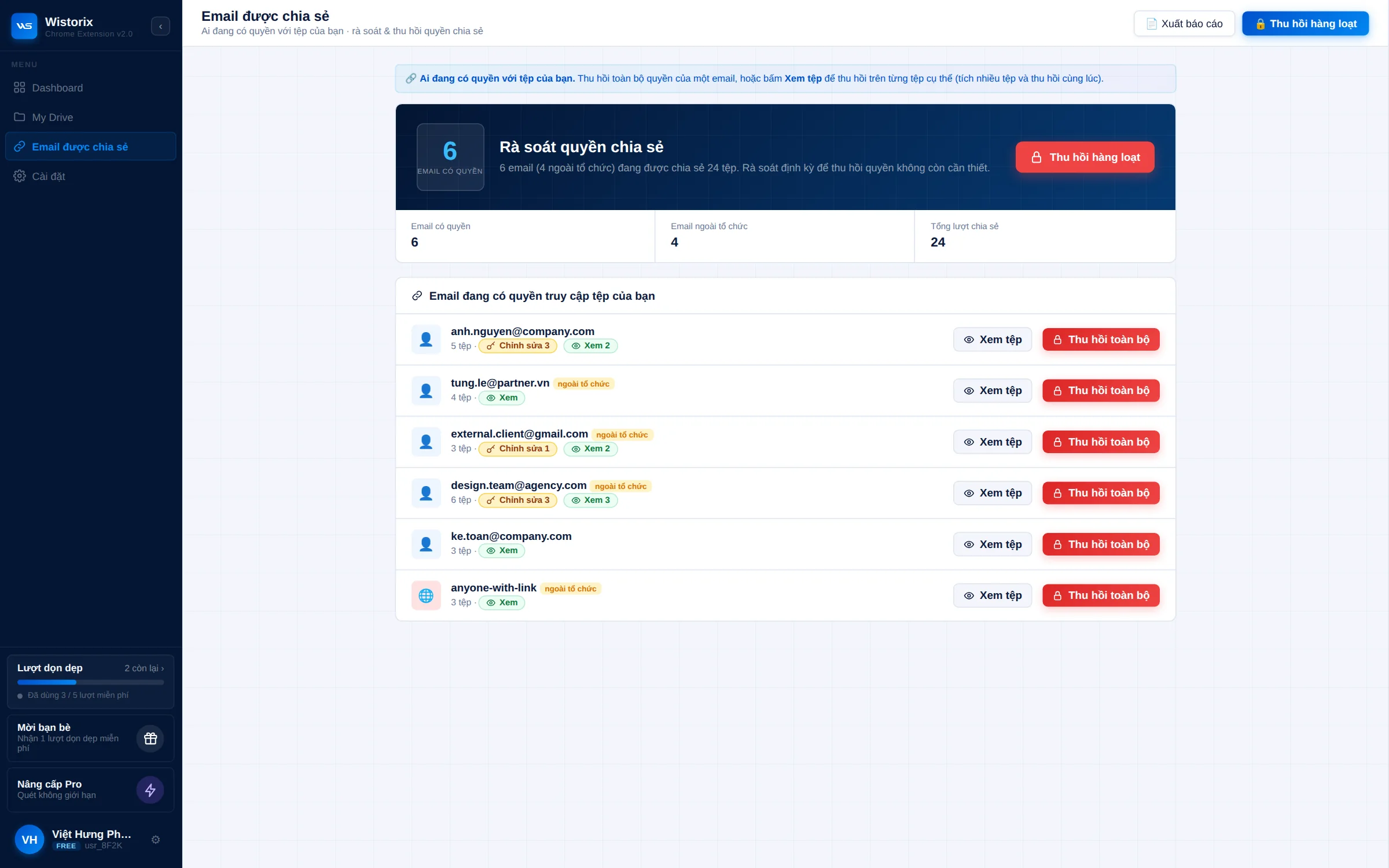
Select many files and transfer ownership in one action, folder structure intact, with a log to check later.
A log you can check
Every handover is recorded, so later you can see who received ownership of which file.
Clean offboarding
Documents stay under the old account after someone leaves. Wistorix reviews them and moves them to the person who needs them.


First scan is free
What is your Drive
sharing publicly?
sharing publicly?
Add Wistorix to Chrome, sign in with Google and scan in minutes. You'll see every public, empty or duplicate file and fix it on the spot.